Designing High-Contrast Digital Interfaces
Color luminance, WCAG ratios, dark mode engineering, and comfortable visual ergonomics.
8 min read · Read →Boldica is a calm, practical resource for accessible technology. Read thoughtful guides, use free in-browser tools, and build routines that respect your pace and privacy.
Shortcuts, speech rate tuning, rotor navigation, and advanced gestures for independent digital travel.
Read the guide →No accounts, no uploads to a server, no API keys. Everything works on your device.
Paste text and listen with the browser speech engine.
Adjust font size, spacing, and background for comfortable reading.
Measure WCAG contrast ratios for any color pair.
Preview how designs appear under different color vision conditions.
Build descriptive, structured alternative text for images.
Practice and verify keyboard focus and common shortcuts.
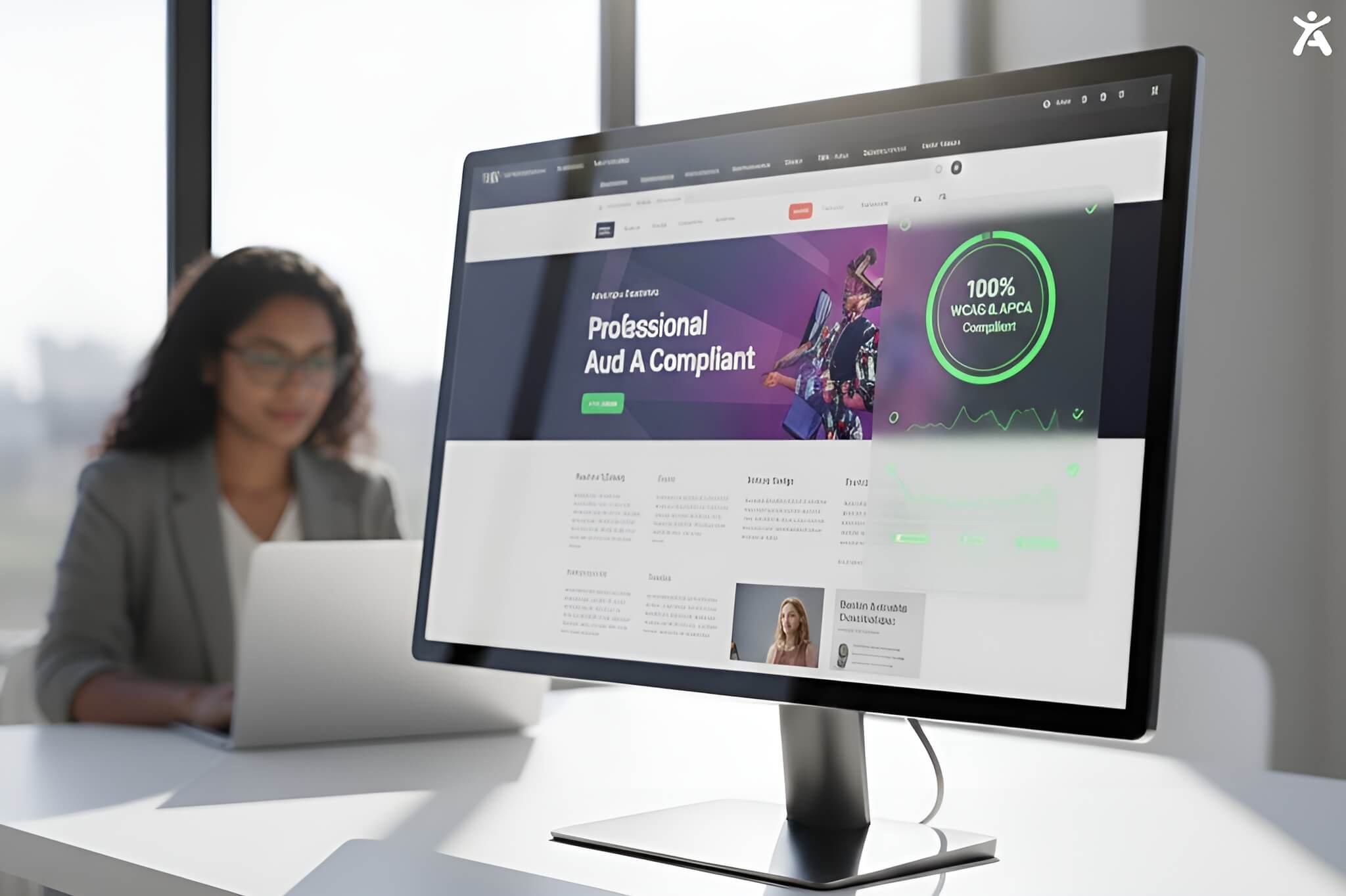
Color luminance, WCAG ratios, dark mode engineering, and comfortable visual ergonomics.
8 min read · Read →
Contextual alt text for informative, functional, decorative, and complex images.
9 min read · Read →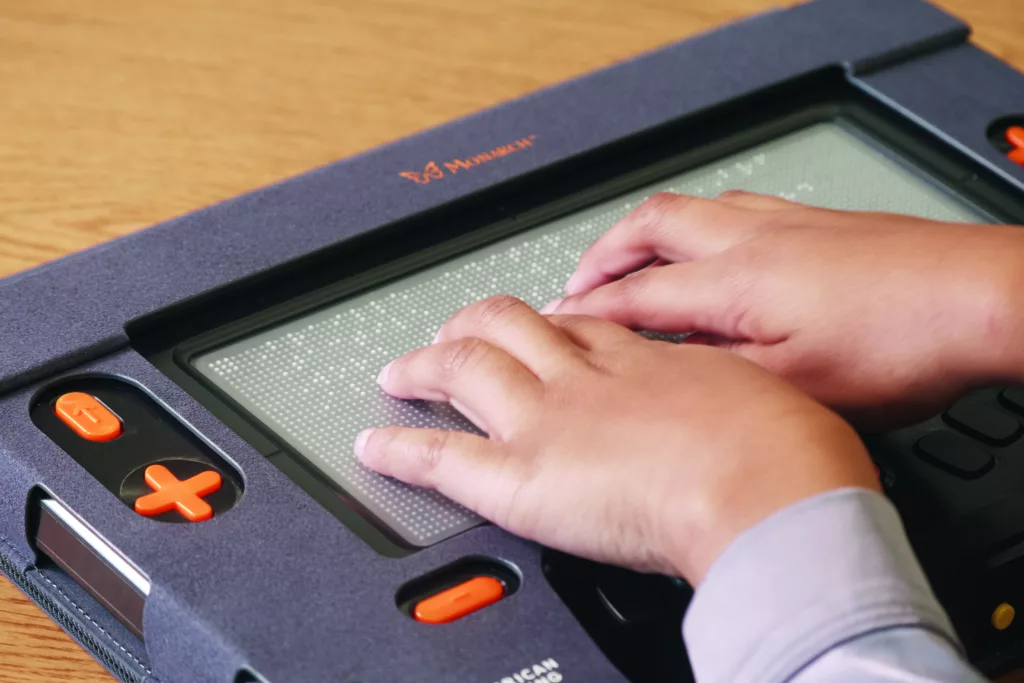
Font scaling, line spacing, reader views, dyslexia-friendly choices, and text-to-speech.
10 min read · Read →
Gesture customization, voice control, haptic feedback, and dependable mobile routines.
11 min read · Read →
Keyboard accessibility, focus management, skip links, and predictable tab order.
7 min read · Read →
Labels, error identification, input assistance, validation messages, and calm completion flows.
8 min read · Read →Whether you are adjusting your own routine or designing for others, Boldica offers dependable, plain-language guidance.